AI Text To Speech For Personal Use
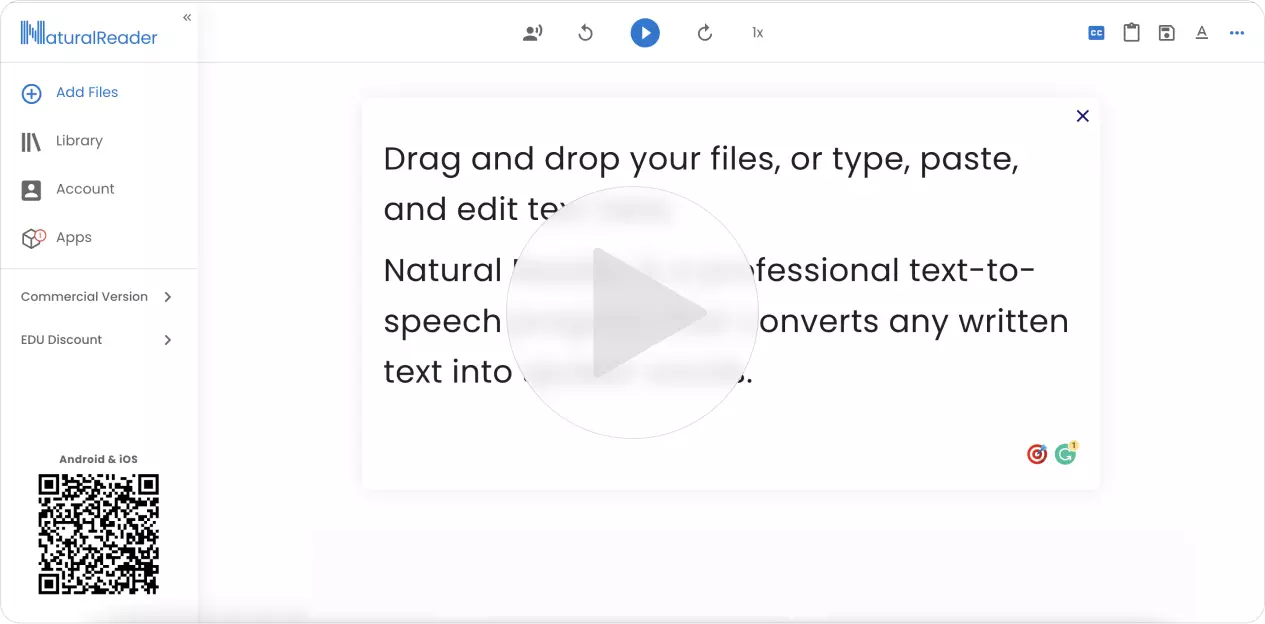
NaturalReader converts text, PDF, and 20+ formats into spoken audio so you can listen to your documents, ebooks, and school materials anytime, anywhere
One account, all of NaturalReader
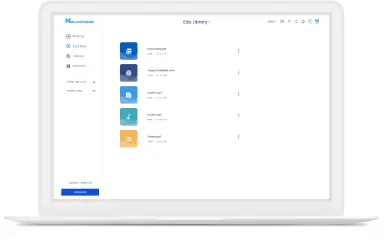
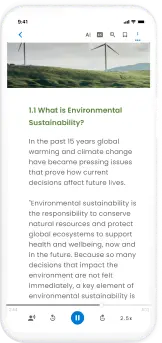
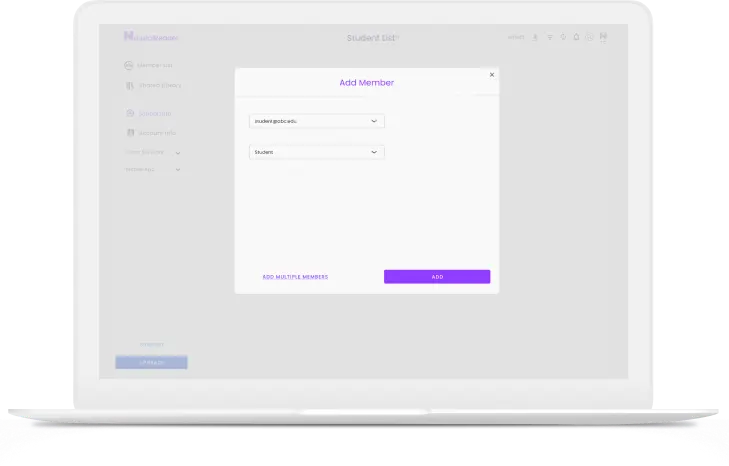
Add members through email or class code, share documents to a class, and manage or delete classes and members
Learn About EDUNeural Speech Synthesis uses deep machine learning to study human voices, speech patterns, intonations and other linguistic expressions.
Neural deep learning has allowed AI voices to become extremely natural, and mimic human speech. Many AI voices now can be used in place of human voices depending on the use.
Dyslexia and other reading-based learning disabilities are most common among students. NaturalReader text-to-speech makes learning more accessible by assisting with any reading, taking tests and promoting independence.
Students can have any text they need to read, read aloud to them so they can read along. Having the text provided both visually and auditory, allows the student to focus less on the act of reading, and more on the comprehension of the content. Other features like dyslexia font, flexible reading speeds, and highlighted text also ease the task of finishing readings.
For most students, learning does not stop when school ends. NaturalReader EDU enables students to be more independent and assists with learning at home. Whether they’re doing homework, reading at home, or just surfing the web, our Chrome Extension and Mobile Application are always available.
NaturalReader AI Text To Speech is only for personal use. Personal use means that only you the individual purchaser may use for your own private listening. Audio files created with NaturalReader AI Text To Speech cannot be used publicly (including on websites or YouTube videos), commercially, or otherwise redistributed in any way. Only you may create the audio files for only yourself to enjoy and they cannot be utilized or made available to any other systems or people.
Please keep in mind that 'internal' or 'non-profit' use (such as for messaging systems or training videos) nonetheless requires a commercial license to allow redistribution of the audio content.
For any non-personal use, please check out NaturalReader AI Voice Generator, which is a separate application.
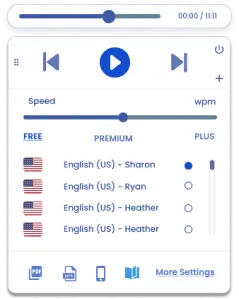
Users can use text-to-speech technology to create voiceover by typing a written script and having an AI voice read aloud the script, just as a human would. Once the script is finished, and a speaker voice and reading speed are selected you are ready to download your script into an MP3 Audio file which can be used universally in videos and other formats. However, not all text-to-speech applications allow for the redistribution of generated audio files. If users plan to redistribute their audio files, they must ensure the text-to-speech application used is built for commercial, business or public use. Examples of Commercial Use:
- Company Training Videos
- Product Explainer Videos
- Youtube and Podcasts
- eLearning Content
- Advertisements.